
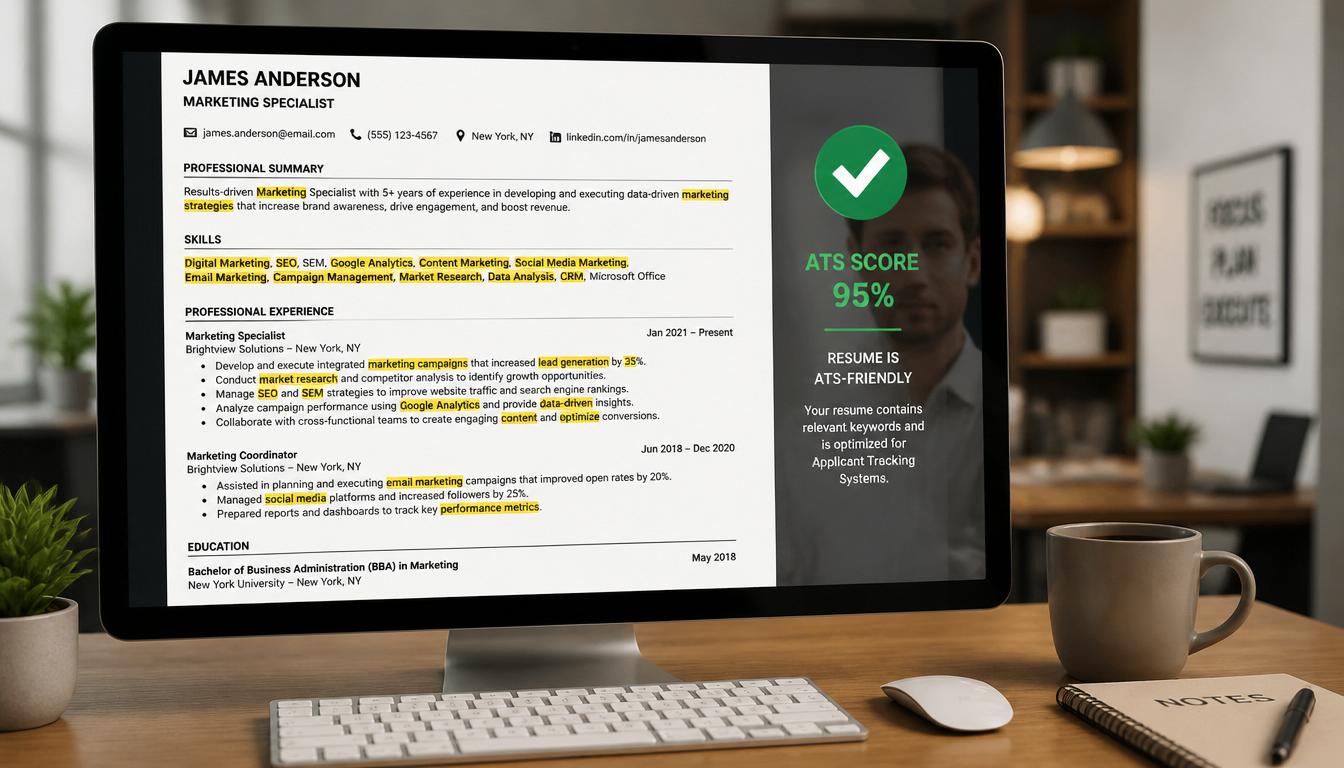
In today's competitive job market, ensuring your resume is ATS-friendly is not just a preference—it's a necessity. Over 98% of Fortune 500 companies use Applicant Tracking Systems (ATS) to filter resumes, often discarding nearly 75% of them before they even reach a human. For job seekers, especially those using platforms like Jobportalix, crafting a resume that passes through these digital gatekeepers is crucial.
Understanding ATS and Its Importance
Before diving into how to check if your resume is ATS-friendly, it's essential to understand what ATS is and why it matters. The primary function of an ATS is to streamline the hiring process by tracking and managing candidates. It scans resumes for keywords and ranks them based on relevance to the job description.
Key Functions of an ATS
- Keyword Matching: Looks for specific terms related to the job.
- Resume Parsing: Converts resume content into a structured format.
- Rank Ordering: Lists candidates based on how closely they match the job requirements.
How to Make Your Resume ATS-Friendly
Transforming your resume to be ATS-compatible involves several steps. Here's how you can do it effectively:
1. Use Simple Formatting
- Avoid headers and footers as they may not be read correctly.
- Stick to standard fonts like Arial or Times New Roman.
- Use clear section headings like "Education" and "Experience."
2. Integrate Relevant Keywords
- Analyze the job description for repeated keywords.
- Use these keywords naturally throughout your resume.
- Avoid keyword stuffing; maintain readability.
3. Choose the Right File Type
- Submit your resume as a .doc or .docx file unless specified otherwise.
- PDFs can sometimes cause parsing errors in older ATS.
4. Optimize for ATS with Jobportalix
- Utilize Jobportalix's resume builder to ensure ATS compatibility.
- Leverage the platform's job listings to align keywords effectively.
Common Mistakes to Avoid
Even well-intentioned resumes can fall into ATS traps. Here are common mistakes:
- Using Graphics or Tables: These can confuse ATS parsing software.
- Inconsistent Formatting: Mixed fonts or sizes can lead to parsing errors.
- Incorrect File Naming: Use your name and job title for easy identification.
Best Practices for an ATS-Friendly Resume
To maximize your resume's compatibility with ATS, follow these best practices:
- Create a plain text version for easy parsing.
- Use bullet points for clarity and focus.
- Keep your resume to a maximum of two pages.
ATS Optimization Checklist
| Task | Status |
|---|---|
| Use standard fonts | ✅ |
| Integrate keywords | ✅ |
| Submit in .doc/.docx | ✅ |
| Check for formatting errors | ✅ |
Real-World Comparison: Weak vs. Strong
Consider this example:
Weak Resume: "Led a team to increase sales." Strong Resume: "Led a team of 8 to increase sales by 20% in 6 months through targeted marketing strategies."
The strong resume is specific, uses quantifiable data, and includes keywords like "team," "sales," and "marketing strategies"—all of which are ATS-friendly.
Frequently Asked Questions
Q1: What is the best font for an ATS-friendly resume? A: Stick to simple fonts like Arial, Times New Roman, or Calibri to ensure readability.
Q2: Can bullet points affect ATS parsing? A: No, bullet points are generally parsed well and help in structured presentation.
Q3: Should I include a cover letter? A: Yes, if requested, as it complements your resume and provides context.
Q4: What if my resume is rejected by the ATS? A: Review the job description, adjust keywords and formatting, and resubmit.
Q5: Does Jobportalix help with ATS optimization? A: Absolutely! Jobportalix offers tools and tips to ensure your resume is ATS-compatible.
Final Thoughts
Ensuring your resume is ATS-friendly is a pivotal step in modern job hunting. Utilize platforms like Jobportalix to refine your approach and boost your chances of landing interviews. Remember, the time invested in optimizing your resume is a step closer to your dream job. Start today, and let your resume work for you, not against you.