
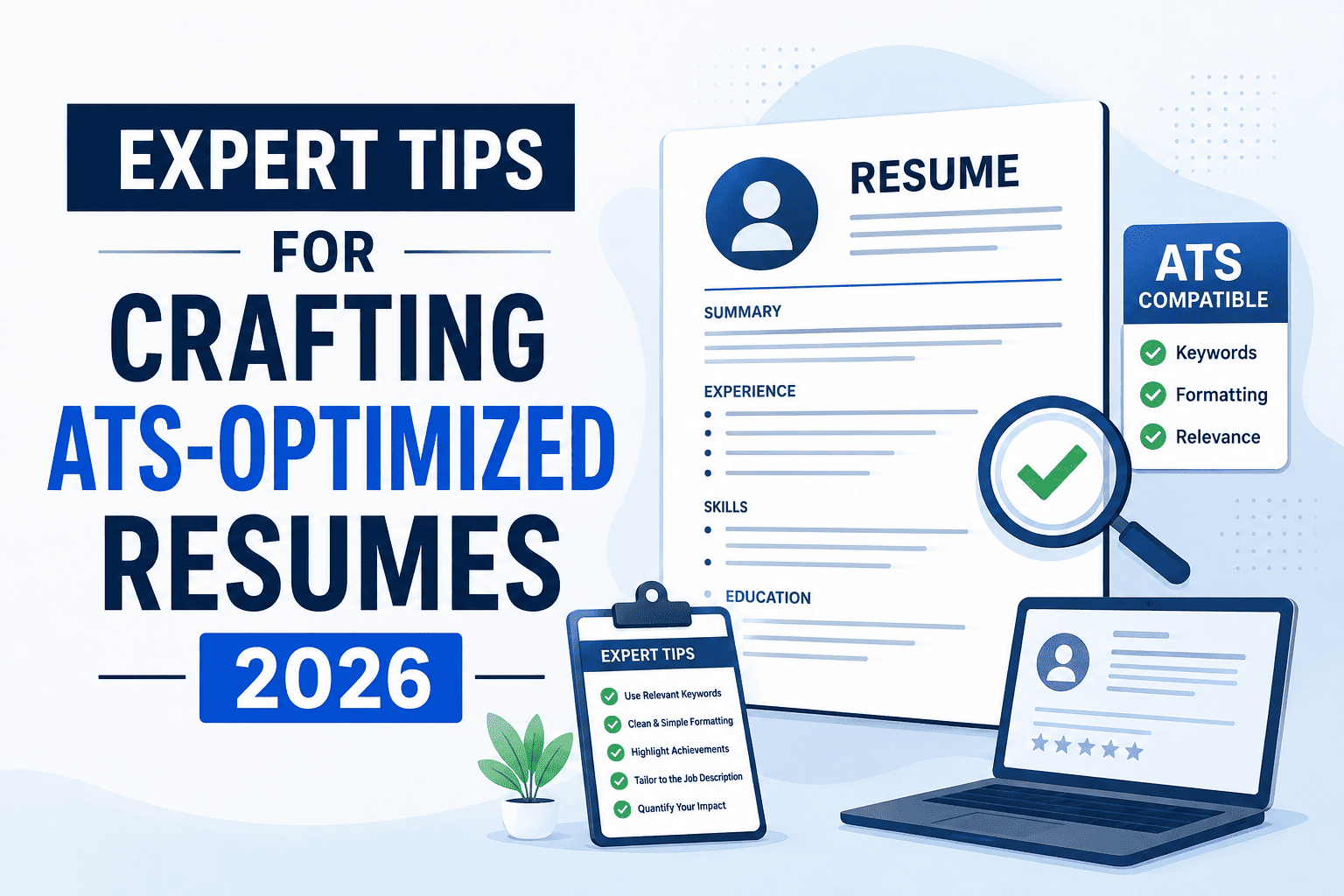
Crafting a resume that navigates the complexities of Applicant Tracking Systems (ATS) can mean the difference between landing your dream job and getting lost in the digital shuffle. With over 97% of Fortune 500 companies utilizing ATS, understanding its intricacies is crucial in 2026.
Why ATS Optimization Matters in 2026
In an era where job applications are digital-first, ATS acts as the gatekeeper, filtering applications before they ever reach human eyes. The systems are designed to streamline the hiring process but can inadvertently weed out qualified candidates if resumes aren't optimized to meet their criteria. Understanding how ATS works is your first step toward crafting a resume that stands out.
How to Create an ATS-Friendly Resume
1. Choose the Right Format
- Stick to Standard Formats: Use .docx or PDF formats unless otherwise specified.
- Avoid Headers and Footers: ATS may skip these sections, missing crucial information.
2. Use Relevant Keywords
- Job Description Analysis: Extract keywords directly from the job posting.
- Skill Synonyms: Use synonyms to cover broader keyword variations.
3. Structure Matters
- Simple Layouts: Avoid complex tables or graphics that can confuse ATS.
- Consistent Headings: Use standard headings like Work Experience and Education.
Common Mistakes to Avoid
1. Overly Creative Designs
While visually appealing, non-standard designs often get lost in ATS.
2. Using Non-Contextual Keywords
Stuffing keywords without relevance can result in disqualification.
3. Ignoring Job-Specific Language
Failing to tailor each resume to the specific job description is a missed opportunity.
Best Practices for ATS Success
- Standard Fonts: Use fonts like Arial, Times New Roman, or Helvetica.
- Bullet Points: Enhance readability and allow ATS to parse content efficiently.
- Jobportalix Resume Builder: Utilize tools designed to optimize for ATS, ensuring you meet all criteria effortlessly.
Checklist for Success:
| Task | Completed |
|---|---|
| Analyze Job Description | [ ] |
| Optimize Keywords | [ ] |
| Use Standard Font & Format | [ ] |
| Proofread for Errors | [ ] |
Real-World Example: Weak vs Strong Resume
Weak Example:
- "Experienced in various software."
Strong Example:
- "Proficient in Microsoft Office Suite and database management systems, enhancing team productivity by 20%."
The strong example provides specifics that ATS can easily identify and evaluate positively.
Frequently Asked Questions
1. What is the most ATS-friendly resume format? Standard formats like .docx or PDF are typically more ATS-friendly, ensuring compatibility.
2. How do I identify relevant keywords? Analyze the job description, focusing on skills and qualifications that are frequently mentioned.
3. Can images or graphics be used in an ATS resume? It’s best to avoid images or graphics as ATS may not read them, leading to missed information.
4. How often should I update my resume for ATS? Update your resume for each job application, tailoring it to the specific job description and industry trends.
Final Thoughts
Optimizing your resume for ATS in 2026 is not just a technical exercise; it’s a strategic approach to ensure your qualifications shine through in a competitive market. By leveraging tools like Jobportalix’s resume builder, you can effectively meet ATS criteria and make your application process seamless. Position yourself for success by crafting a resume that not only passes ATS scrutiny but also impresses recruiters.