
ATS-Friendly Resume Checklist (2026 Guide + Free Examples)
Most resumes never reach a real recruiter because they fail Applicant Tracking System (ATS) scans. Modern ATS software filters resumes before a hiring manager ever sees an application.
The good news: you do not need a fancy design to pass ATS screening. You need the right structure, keywords, formatting, and resume strategy.
In this guide, you will learn:
- how ATS systems work
- the best ATS-friendly resume format
- how to optimize resume keywords
- common ATS mistakes to avoid
- a practical ATS resume checklist for 2026
What Is an ATS-Friendly Resume?
An ATS-friendly resume is a resume optimized for Applicant Tracking Systems. These systems scan resumes for keywords, formatting, skills, education, and work experience before forwarding applications to recruiters.
Large companies receive hundreds or even thousands of applications for a single role. ATS software helps recruiters quickly filter candidates who match the job description.
If your resume is difficult to scan or missing important keywords, it may never be seen by a human recruiter.
Why Most Resumes Fail ATS Screening
Most resumes fail ATS scans because:
- they use complex layouts
- important keywords are missing
- formatting is inconsistent
- information is placed inside images or tables
- job titles do not match the target role
- the resume is too generic
A modern resume should be easy for both:
- ATS software
- real recruiters
Your goal is clarity, not decoration.
1) Start with a “Target Version” of Your Resume
One of the biggest mistakes candidates make is using the same resume for every job application.
Instead, create a targeted version of your resume for the specific role you want.
Example:
- Frontend Developer – React
- Full Stack Developer – .NET
- Product Designer
- DevOps Engineer
Your resume should look like it was written specifically for that role.
Quick Rule
If an important keyword appears in the job description and you genuinely have that skill, it should appear naturally in your resume.
For example:
- React
- Next.js
- TypeScript
- Azure
- SQL Server
- REST API
- CI/CD
Do not keyword-stuff your resume. ATS systems are smarter in 2026 and recruiters can immediately notice unnatural keyword usage.
2) Keep Your Layout ATS-Friendly
ATS systems still struggle with overly complex designs.
Use:
- a clean single-column layout
- simple section headings
- consistent formatting
- readable fonts
- standard bullet points
- proper spacing
Recommended Headings
Use common section names like:
- Summary
- Skills
- Experience
- Education
- Certifications
- Projects
Use ATS-Safe Fonts
Recommended fonts:
- Arial
- Calibri
- Helvetica
- Roboto
Avoid:
- decorative fonts
- icon fonts
- unusual typography
Use Consistent Dates
Example:
- 2023–2025
- Jan 2022 – Mar 2024
Consistency improves readability for ATS systems and recruiters.
Export as PDF
Most modern ATS systems correctly process text-based PDF resumes.
Avoid:
- image-only PDFs
- scanned documents
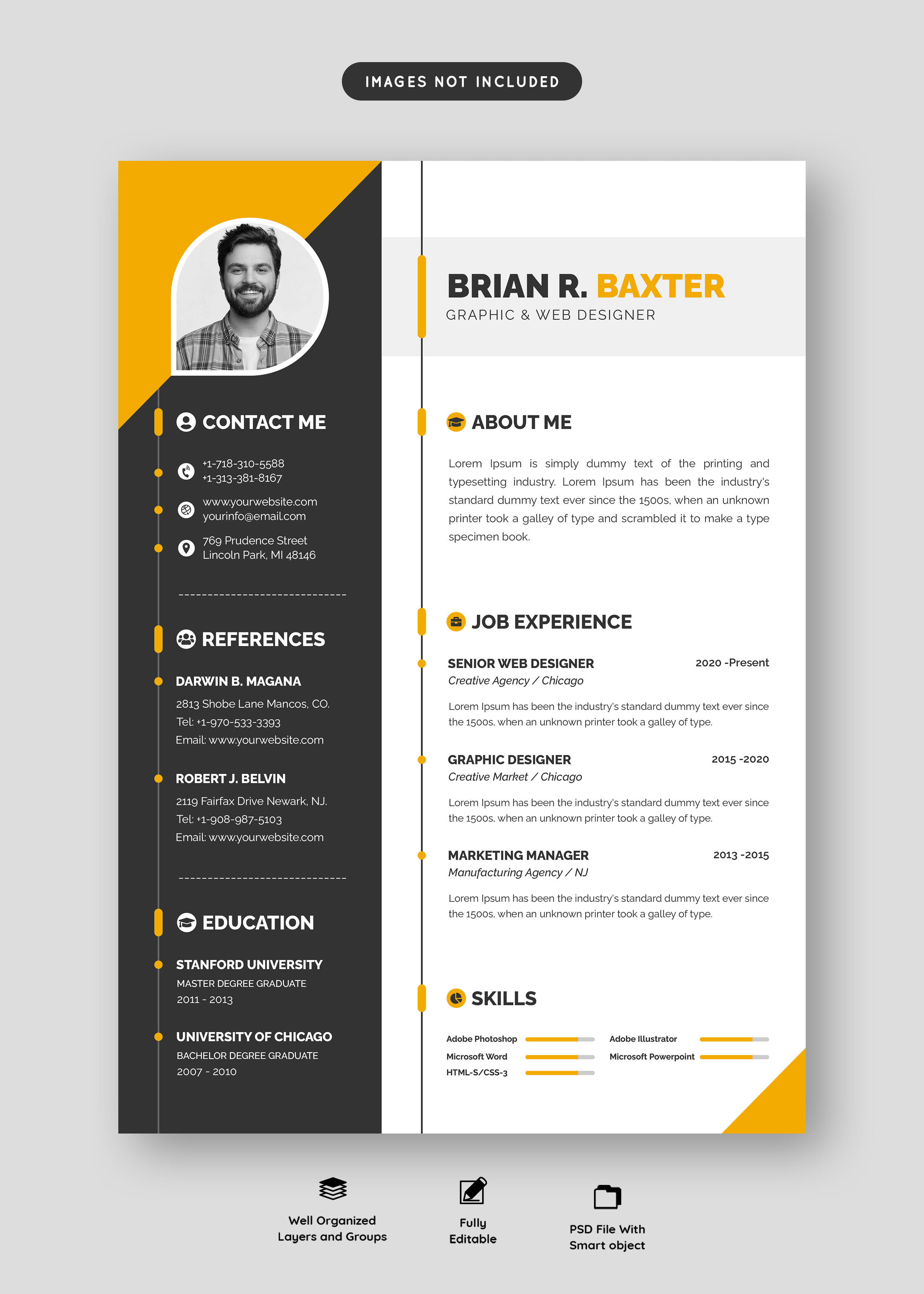
- heavily designed Canva exports
3) Avoid Common ATS Formatting Mistakes
Many resumes fail because of formatting issues rather than lack of experience.
Avoid:
- tables for main content
- text inside images
- progress bars
- rating stars
- multiple columns with complex layouts
- excessive colors and graphics
ATS software may completely ignore information placed inside visual elements.
Your experience and skills should always remain plain, readable text.
4) Build a Skills Section That Matches the Job Description
Instead of writing a giant list of random technologies, organize your skills clearly.
Example Skills Structure
Frontend
- React
- Next.js
- TypeScript
- Tailwind CSS
Backend
- ASP.NET Core
- REST API
- Entity Framework Core
Database
- SQL Server
- PostgreSQL
Cloud & DevOps
- Azure App Service
- Azure SQL
- Docker
- CI/CD
Authentication & Security
- JWT
- OAuth
- Identity
- Role-based access control
This structure improves:
- ATS readability
- recruiter scanning speed
- keyword relevance
5) Rewrite Experience with Proof, Not Responsibilities
Recruiters care about impact.
Bad example:
- Responsible for frontend development
- Worked on APIs
- Maintained database systems
Better example:
- Improved API response time by 40% by optimizing SQL queries and adding indexes.
- Reduced login failures by implementing JWT validation and improved authentication flows.
- Built responsive React interfaces used by over 10,000 monthly users.
- Automated Azure deployments using CI/CD pipelines.
Best Formula
Action + Tool + Result
This structure makes achievements measurable and credible.
6) Optimize the First 10 Seconds
Recruiters often scan resumes in less than 10 seconds.
At the top of your resume include:
- a clear professional title
- a short summary
- core skills relevant to the role
Example
Full Stack Developer (React / .NET)
Building production-ready web applications with secure authentication, scalable APIs, and modern frontend technologies.
Include Core Skills
Example:
- React
- Next.js
- ASP.NET Core
- SQL Server
- Azure
This immediately tells recruiters:
- what you do
- your technology stack
- your specialization
7) Use ATS Keywords Naturally
ATS systems scan resumes for keyword relevance.
Good keyword placement:
- Skills section
- Experience bullets
- Project descriptions
- Professional summary
Important
Do not copy-paste the entire job description.
Use keywords naturally and only if you genuinely have those skills.
8) Add Projects That Match the Role
Projects are extremely valuable, especially for:
- junior developers
- career changers
- self-taught candidates
Good project examples:
- AI Resume Builder
- Job Portal Platform
- Authentication System
- E-commerce Dashboard
- REST API Platform
For each project include:
- technologies used
- measurable outcomes
- real features implemented
9) ATS Resume Example
Weak Example
“Worked on websites and APIs.”
Strong Example
“Developed a Next.js frontend connected to ASP.NET Core APIs with JWT authentication and Azure deployment.”
The second example:
- contains technical keywords
- explains real work
- improves ATS matching
10) Final ATS Resume Checklist
Before submitting your resume:
- the target job title appears in your resume
- keywords match the job description naturally
- skills are grouped clearly
- each job contains measurable achievements
- formatting is clean and readable
- dates are consistent
- the file name is professional
- no text is hidden inside images
- the PDF is text-based
- spelling and grammar are correct
Recommended File Name
FirstName_LastName_Resume.pdf