Find the job that fits you
Search by title, skills, or company. Filter by location and work mode.
Categories
What kind of job are you looking for?
Latest Offers
Recent Job Postings










Top searches
Ready-to-use searches
Click to search and apply filters automatically.
Companies
Hiring right now
Regions
Jobs near you
For recruiters
Publish a job in minutes
Add your company, create a post, and track applicants.

FAQ
Frequently asked questions
What can I do on Jobportalix?
Search for jobs, build a strong CV (templates, guided builder, Resume AI), prepare interviews, and track applications in one place.
Do I need an account to use the site?
You can browse jobs without an account. To apply, save favorites, create a CV, or track applications, you need to sign in.
How can I sign in?
Create an account with email/password or use Google or LinkedIn.
How do I search for jobs?
Use keywords, location or country, and filter by job type and workplace (remote, hybrid, onsite).
How do I apply to a job?
Click Apply. A CV is required; if you don't have one, you'll be guided to create or upload one.
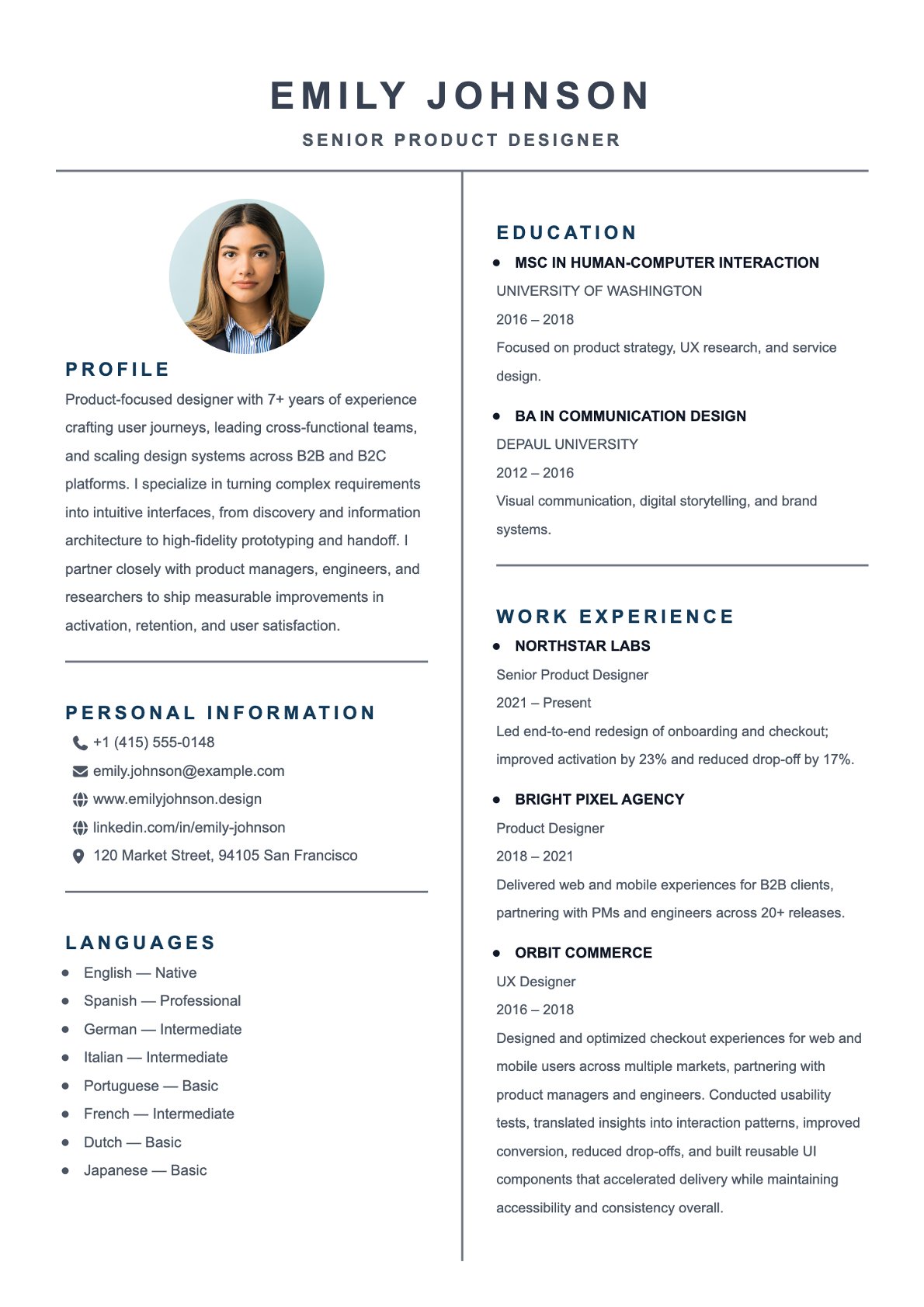
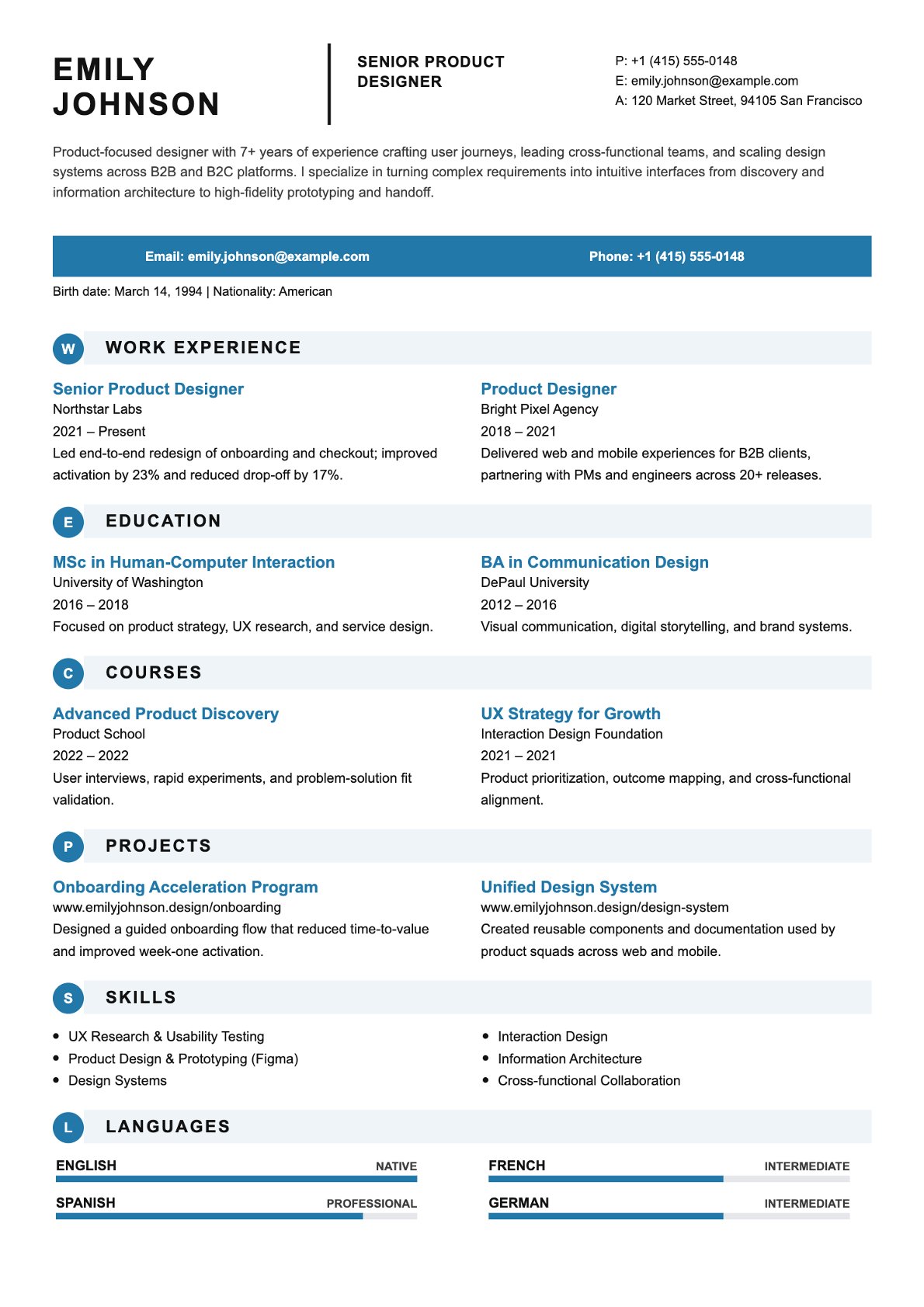
What options do I have to create a CV?
Pick a template, use the guided wizard, or start with the Resume AI flow.
Can I import an existing CV?
Yes. Upload a PDF or DOCX to prefill your CV.
Can I add a photo to my CV?
Yes, you can upload and update a profile photo in your CV.
Do you provide cover letter templates or examples?
Yes, you'll find cover letter templates and example letters.
What are Resume AI and Interview AI?
Resume AI guides you to start a CV from an upload or a LinkedIn URL and choose a template. Interview AI generates interview questions from a role or a CV PDF.
Can I save jobs and track my applications?
Yes, you can favorite jobs and follow your application status (submitted, viewed, shortlisted, interview, etc.).
I'm a recruiter: how do I post a job?
Create your recruiter space, complete your company profile, then create and publish a job post.
Can I invite teammates to my recruiter space?
Yes, you can add members and manage team access.
Is there a trial or subscription?
Plans are available on the Pricing page, with a trial when available.
How do I contact support?
Use the Contact page. You can also reset your password from the sign-in page.